Maps for Personal Use: Your Digital Canvas for Memory, Planning, and Discovery
When we think of maps, we often think of business tools or navigation apps. But some of the most meaningful maps are the ones we create for ourselves. Searches like “map where I can pin multiple locations” often stem from a personal desire to organize our world, plan our dreams, or preserve our memories. A personal map is more than a utility; it’s a digital scrapbook, a vision board, and a planning assistant, all in one.
This article explores the beautiful and varied world of personal mapping, showing how a simple tool can enrich your hobbies, travel, family history, and daily life.
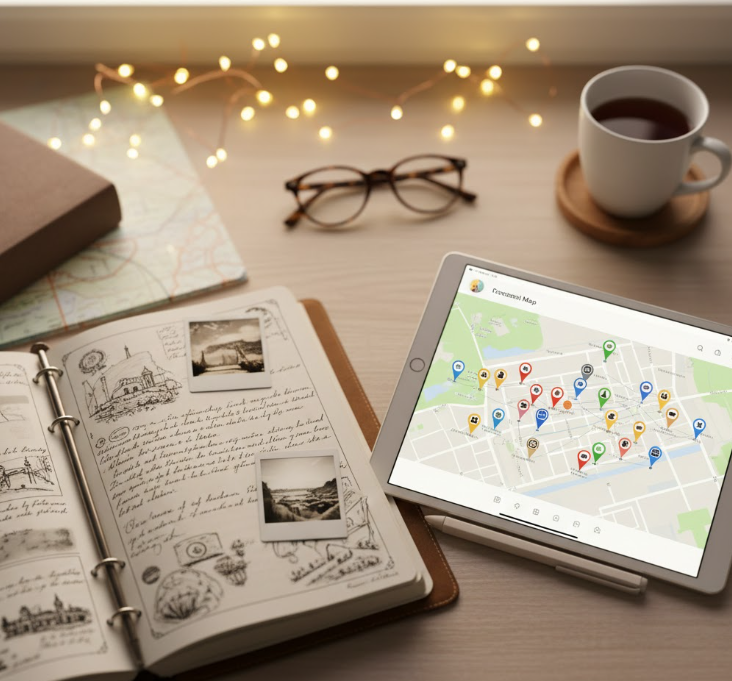
The Many Lives of a Personal Map
Your personal interests directly shape the kind of map you need. Here are some of the most common and rewarding use cases:
1. The Travel Dreamer & Planner
- The Map: A curated atlas of your past adventures and future destinations.
- How You Use It:
- Memory Lane: Pin all the hotels, cafes, and landmarks from a past trip. Add photos and journal snippets to each pin to create an interactive travelogue.
- Bucket List Planning: Research and pin potential destinations for your dream itinerary. Visually see if a multi-country trip is feasible.
- Shared Family Planning: Collaborate with family or friends on a vacation map. Everyone can add “must-see” spots, making planning a democratic, visual process.
2. The Food & Culture Enthusiast
- The Map: A dynamic guide to your city’s culinary and cultural landscape.
- How You Use It:
- Restaurant Rolodex: Keep a map of “Tried & Loved” restaurants with notes on what to order. Create another for “Want to Try.”
- Event & Venue Tracker: Pin upcoming concert venues, museum exhibitions, or flea market locations. Never forget a recommendation again.
- Personalized City Guide: When friends visit, instead of a text list, send them a link to your personal “Best of the City” map.
3. The Historian & Genealogist
- The Map: A living document of your family’s journey.
- How You Use It:
- Ancestral Migration: Plot the birthplaces, homes, and migration paths of your ancestors. See your family history unfold geographically.
- Personal Milestones: Map the places you’ve lived, gone to school, or had significant life events. It’s a visual autobiography.
4. The Hobbyist & Collector
The Map: A specialized tracker for your passion.
How You Use It:
Hiking Trail Log: Mark trailheads you’ve conquered, with notes on difficulty and views.
Bird Watching or Photography Spots: Record locations where you spotted a rare species or captured the perfect shot.
Antique Store or Bookshop Tour: Plot your favorite hunting grounds in a region.
These diverse needs are perfect examples of the [Custom User Needs](link-to-article-9) that generic tools fail to address properly.
Why Note Apps & Generic Maps Fall Short
You might try to use a notes app or a basic map tool for these projects, but they quickly reveal limitations:
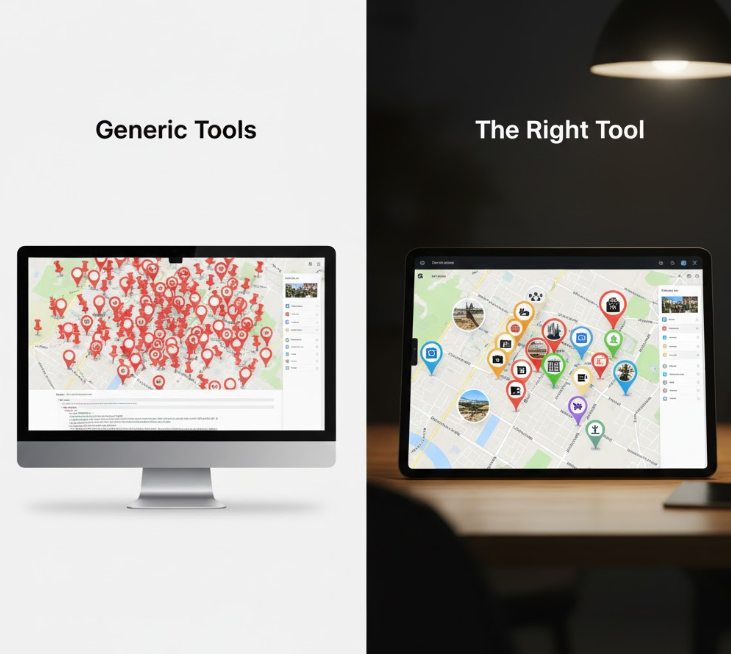
The Pin Limit Frustration: Manually adding more than 10-20 locations in a tool like Google My Maps becomes a tedious chore, sucking the joy out of your passion project.
A Sea of Identical Pins: Without color-coding or custom icons, your beautiful bakery pin looks exactly like the dentist appointment you also dropped on the map. The story gets lost.
Trapped in an App: Your carefully curated map is often hard to share beautifully with others or embed in a blog. It’s stuck in a silo.
No Rich Context: A pin titled “Paris” is forgettable. A pin with a title, a photo of the croissant you ate, and a note about the street musician is a memory.
The struggle of using one-by-one pinning for meaningful projects is detailed in our analysis of [Add/Put Variants](link-to-article-6).
MapsFun.com: Designed for the Personal Cartographer
MapsFun.com is the ideal platform for personal mapping because it treats your passion project with the seriousness of a professional one. It gives you the creative freedom without the technical complexity.
How MapsFun Elevates Your Personal Maps:
- Turn Data into a Map Instantly: Planning a big road trip with 50 stops? Don’t type them one by one. Prepare a simple spreadsheet list and use batch import to create your entire route map in under a minute.
- Tell Stories with Custom Pins: Assign unique colors and icons to different categories. Use green hiker icons for trails, red fork icons for restaurants, and blue book icons for libraries. Your map becomes instantly readable and visually pleasing.
- Create Rich Memory Capsules: For each pin, you can add detailed descriptions, upload photos, and include links. That Paris pin can now hold your entire memory of the place.
- Own, Share, and Present Your Creation: Keep your maps private or share them with a beautiful, direct link. Embed your “Family History Map” on a personal blog or display your “Local Guide” full-screen when friends are over. You control its presence in the world.
- A Living Document: Your travel map is never finished. Found a new amazing restaurant? Add it in two clicks. Finally visited that bucket-list country? Change the pin color from “Dream” to “Visited.”
- The True Value: A personal map on MapsFun isn’t just a file; it’s an evolving repository of your experiences and interests. It saves you time in planning, enhances your memory of the past, and gives you a uniquely personal way to share your world with others.
Your memories, plans, and passions deserve more than a list in a notes app. They deserve a map that is as unique and detailed as the story you want to tell.
Start mapping your world the way you see it. Begin your personal mapping journey at MapsFun.com.